Insights
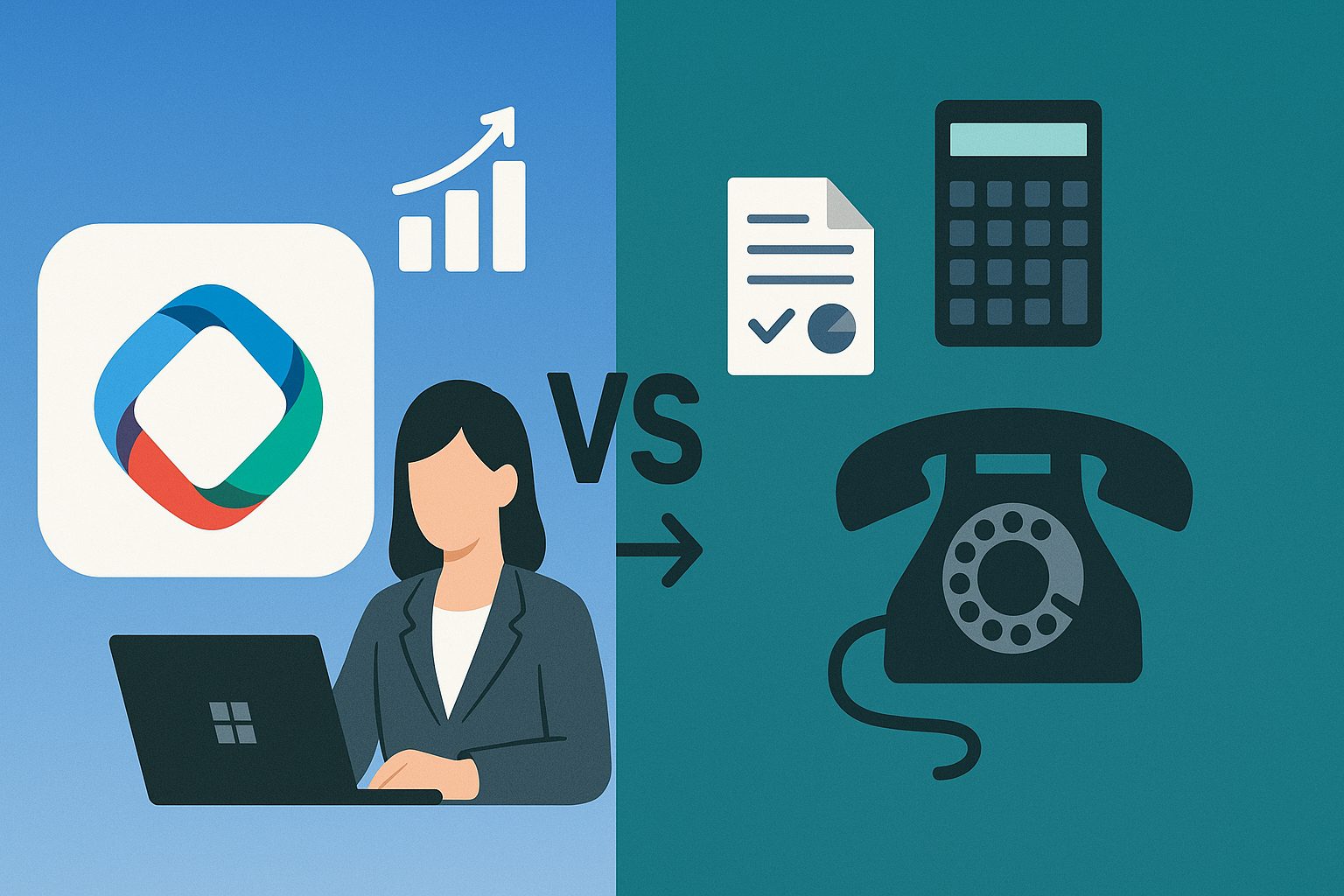
Microsoft Copilot vs. Traditional Productivity Tools – Why Businesses Should Upgrade
Businesses today face ongoing pressure to boost productivity by optimizing workflows and cutting inefficiencies. For decades, companies have relied on traditional productivity tools such as Microsoft Word, Excel, Outlook, and PowerPoint to get work done. While these tools remain essential, they require manual effort and repetitive tasks, resulting in a significant time investment that is no longer necessary with AI enhancements through Microsoft Copilot.
Enter Microsoft Copilot – an AI-powered assistant integrated into Microsoft 365 applications that fundamentally redefines how organizations work. Copilot is more than just an upgrade; it’s a game-changing solution for productivity, collaboration, and efficiency.
What Are Traditional Productivity Tools?
Traditional productivity tools such as Microsoft Word, Excel, PowerPoint, and Outlook have long been the backbone of office environments. They help employees draft documents, manage spreadsheets, create presentations, and handle emails.
Strengths of Traditional Tools:
- Familiarity – Almost every professional has used these tools at some point.
- Reliability – They work offline and are stable for daily use.
- Flexibility – Users can create anything manually with full control.
Limitations of Traditional Tools:
- Manual effort – Writing reports, creating presentations, or analyzing data requires hours of manual work.
- Time-consuming – Employees spend significant time on repetitive, low-value tasks.
- Limited intelligence – Tools don’t provide proactive suggestions or automation.
In short, traditional tools are effective but not intelligent enough to match the demands of modern business.
What Is Microsoft Copilot?
Microsoft Copilot is an AI-driven productivity assistant embedded into Microsoft 365 apps like Word, Excel, PowerPoint, Outlook, and Teams. Built on OpenAI’s GPT models and integrated with Microsoft Graph, Copilot combines the power of AI with organizational data to generate insights, automate tasks, and enhance decision-making.
Key Features of Microsoft Copilot:
- Content generation: Drafts reports, emails, and presentations instantly.
- Data analysis: Creates summaries, trends, and forecasts in Excel automatically.
- Meeting support: Summarizes Teams meetings, assigns tasks, and captures action items.
- Email efficiency: Sorts, summarizes, and even drafts replies in Outlook.
- Custom workflows: Works with business data in Microsoft Graph for personalized insights.
Instead of replacing traditional tools, Copilot enhances them with intelligence, enabling professionals to work smarter, faster, and more strategically.
Microsoft Copilot vs. Traditional Productivity Tools
Here’s a detailed side-by-side comparison:
| Feature | Traditional Productivity Tools | Microsoft Copilot |
| Document Creation | Manual drafting in Word or PowerPoint | AI-generated content in seconds |
| Data Analysis | Manual formulas and pivot tables in Excel | Automated insights, charts, and forecasts |
| Email Management | Manually reading and replying | AI summaries and suggested replies |
| Collaboration | Teams/Outlook for scheduling and communication | Real-time meeting summaries, task automation, and decision support |
| Learning Curve | Familiar, but time-intensive | Intuitive AI guidance, reduces training needs |
| Productivity Impact | Incremental improvements | Exponential gains through automation and AI |
This comparison highlights why Microsoft Copilot is not just a tool but a productivity revolution.
Why Businesses Should Upgrade to Microsoft Copilot
1. Save Time and Reduce Costs
With Microsoft Copilot, employees can automate repetitive tasks like summarizing reports, preparing presentations, or filtering emails. This reduces time-to-output and lowers operational costs.
2. Improve Decision-Making
Unlike traditional tools, Copilot leverages AI and organizational data to provide actionable insights. Leaders can make data-driven decisions faster, improving competitiveness.
3. Boost Employee Productivity
Research shows that AI-powered tools increase productivity by up to 40%. Copilot frees employees from mundane work, letting them focus on strategic and creative tasks.
4. Enhance Collaboration
In remote and hybrid workplaces, collaboration is critical. Copilot transforms Microsoft Teams by summarizing meetings, suggesting next steps, and ensuring everyone stays aligned.
5. Gain Competitive Advantage
Early adopters of Microsoft Copilot gain a strong edge by leveraging AI-driven efficiency. Competitors sticking with traditional tools risk falling behind.
6. Scalable for Businesses of All Sizes
Whether you’re a startup, SMB, or enterprise, Copilot adapts to your business needs, making it a future-proof investment.
Use Cases of Microsoft Copilot
- Marketing Teams: Automatically generate campaign content, blogs, or presentations.
- Finance Departments: Analyze complex data, create forecasts, and summarize financial reports.
- HR Teams: Draft job descriptions, onboarding guides, and employee communication.
- Executives: Get instant summaries of meetings, emails, and project updates.
- Customer Support: Respond to queries quickly with AI-drafted responses.
In every use case, Copilot outperforms traditional productivity tools by reducing effort and enhancing output quality.
Buying Considerations – What Businesses Should Know Before Upgrading
- Licensing Costs – Microsoft Copilot is available as an add-on to Microsoft 365; businesses should budget accordingly.
- Data Security – Copilot follows Microsoft’s enterprise-grade security and complies with GDPR and other standards.
- Training Needs – Minimal training is required since Copilot integrates directly into apps employees already use.
- ROI Measurement – Track productivity improvements to measure the return on investment (ROI).
- Scalability – Evaluate whether Copilot can scale with your growing workforce and workflows.
The Future of Work with Microsoft Copilot
The rise of AI is transforming the workplace, and Microsoft Copilot is at the center of this evolution. In the future, businesses will rely less on manual, repetitive tasks and more on AI-assisted workflows.
Those who continue using only traditional productivity tools risk inefficiency, slower decision-making, and higher operational costs. Businesses that adopt Microsoft Copilot position themselves for innovation, agility, and growth.
Conclusion
The debate of Microsoft Copilot vs. traditional productivity tools is not just about features—it’s about the future of work. Traditional tools, while reliable, are limited by manual effort and lack of intelligence. Microsoft Copilot, powered by AI, transforms these tools into smart, collaborative, and efficiency-driven solutions.
For businesses, upgrading to Microsoft Copilot is not just a choice but a strategic necessity. By adopting Copilot, companies can save time, reduce costs, enhance collaboration, and future-proof their operations in an AI-driven world.